Mopidy is a music server which can play music both from multiple sources, like your local hard drive, radio streams, and from Spotify and SoundCloud.
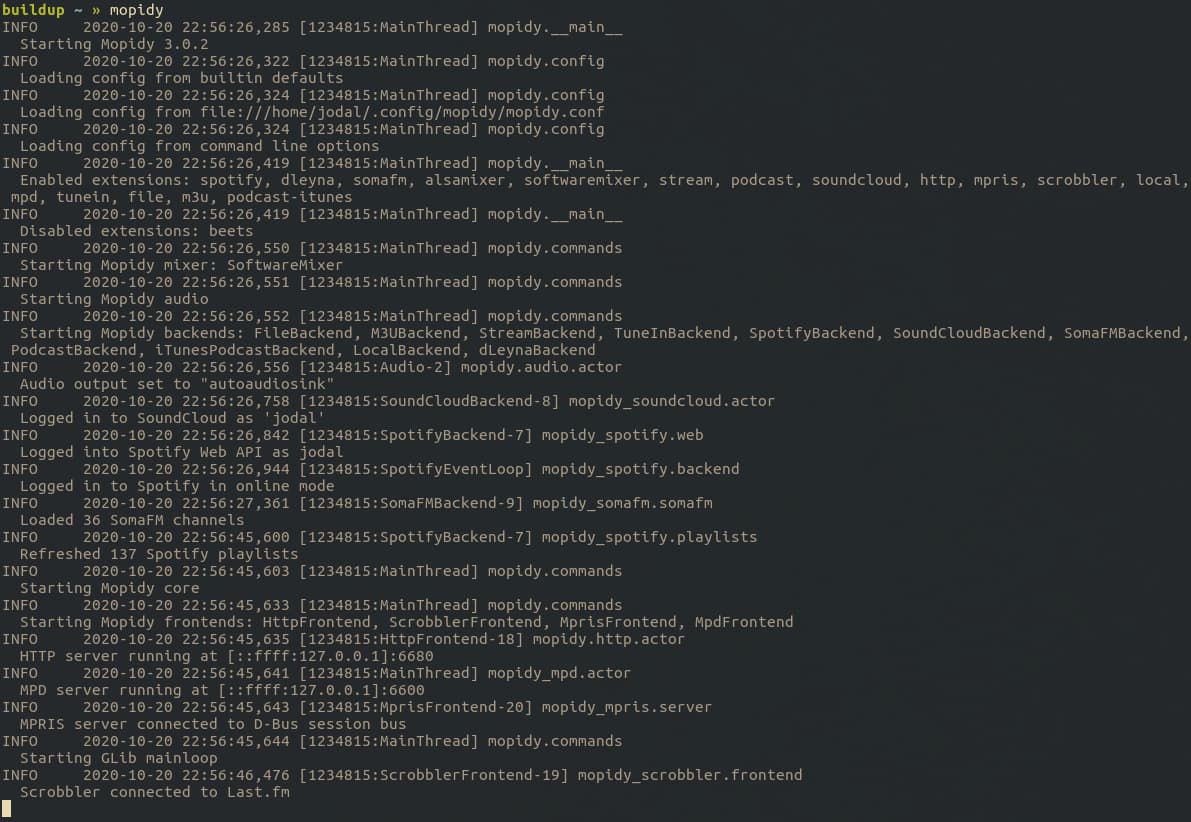
Mopidy is a server without any graphical user interface. It runs on the Linux or OS X computer with the speakers.
Mopidy keeps track of the music, your playlists, and the clients that command it.
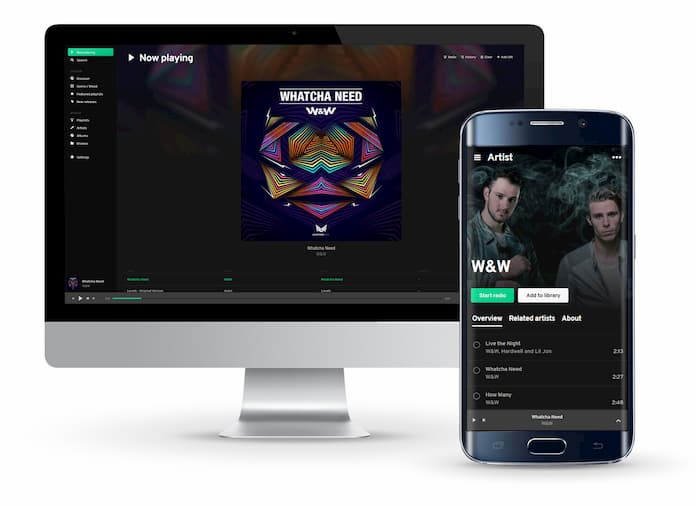
You can use your favorite MPD client to search for music and manage the playlist. MPD clients are available for many platforms, including Windows, Mac OS X, Linux, Android, and iOS.
There are also multiple web clients available that let you control Mopidy from your browser.
In other words, you can control the music from any computer or smartphone in your home.
If you got a subscription for Spotify Premium, then Mopidy can stream music from Spotify's archive of 15 million tracks. You'll never need to refill your collection with new music again.
If you got a SoundCloud account and the Mopidy-SoundCloud extension, then Mopidy can search for and stream music from SoundCloud as well.
With Mopidy's extension support, new music sources can be easily added.
If you're running Ubuntu you can install Mopidy from APT in a matter of seconds. To install Mopidy from the Mopidy APT archive, you need to do the following:
Luckily, that is only four commands which you can copy into the terminal:
wget -q -O - http://apt.mopidy.com/mopidy.gpg | sudo apt-key add - sudo wget -q -O /etc/apt/sources.list.d/mopidy.list http://apt.mopidy.com/mopidy.list sudo apt-get update sudo apt-get install mopidy
Then, configure Mopidy.
The list of ideas that we could transform into cool and useful features is ever growing.
To help out making Mopidy even better, fork us at GitHub and join the discussion on IRC. We're staying at #mopidy on irc.freenode.net.